
Everyone sees what they should
Set up your offices, departments and roles once, then decide what each role can see and do.
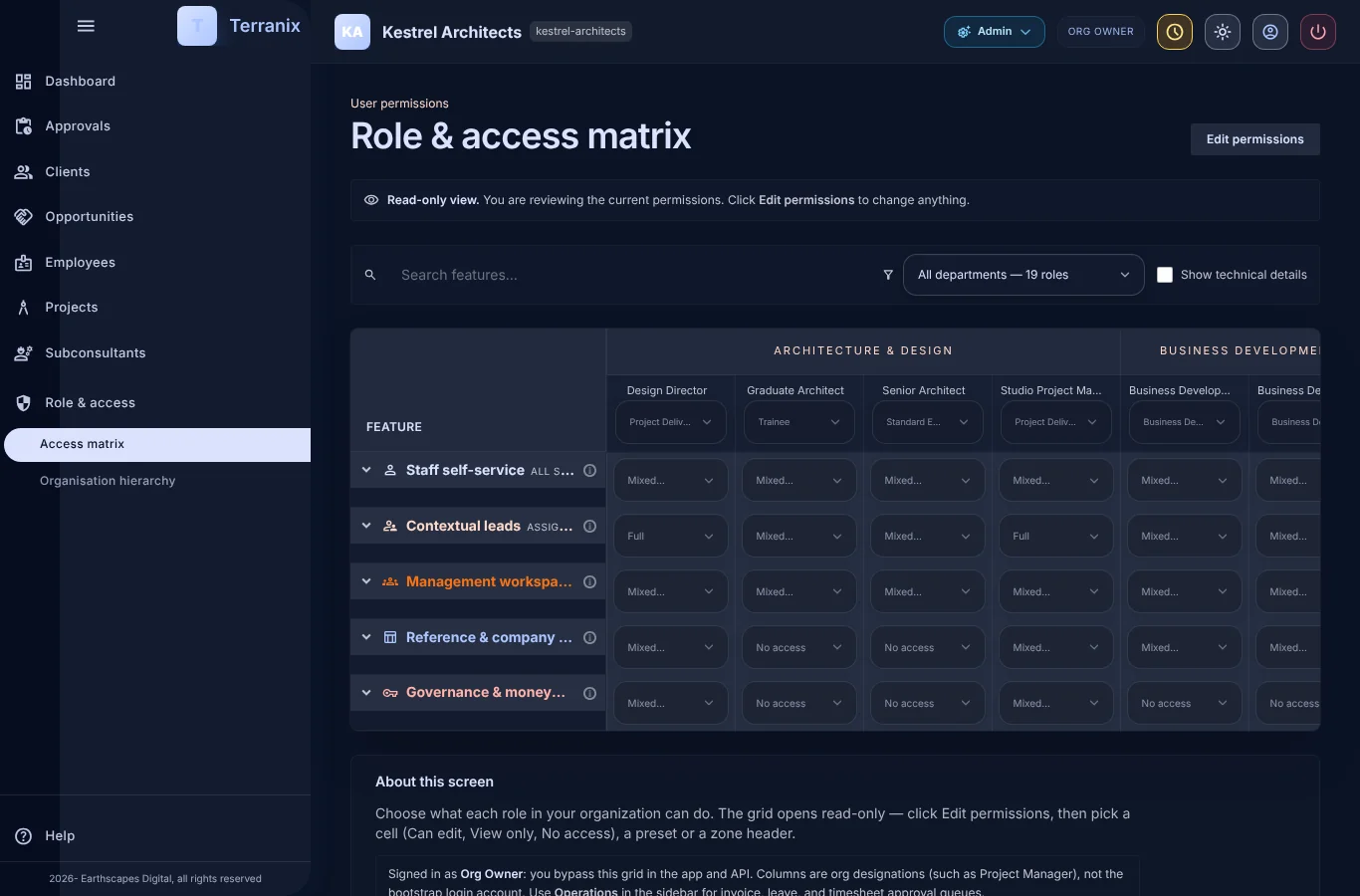
- An access matrix per role
- Offices, entities and time zones
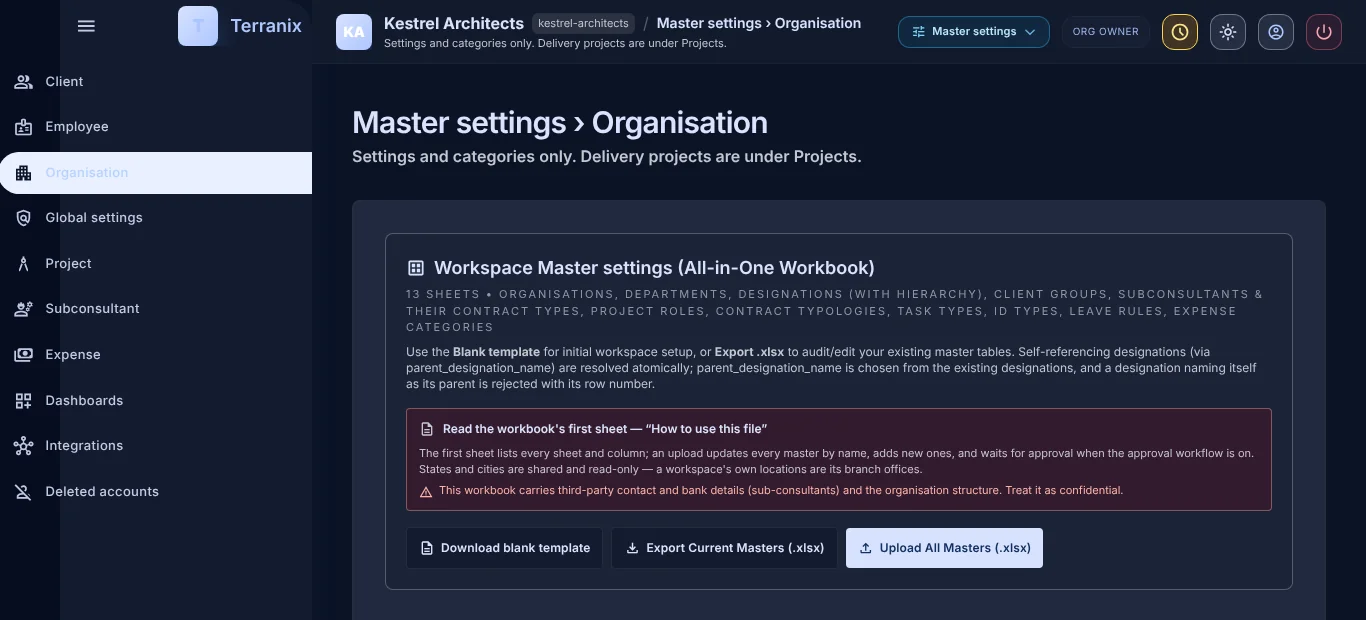
- Bulk onboarding from Excel
Control who can do what
- An access matrix lists every area against every role.
- Change what a role may do without a developer.
- Switch between workspaces if you work with several firms.
Set up the firm
- Legal entity, time zone and working year.
- Several offices, each with its own calendar.
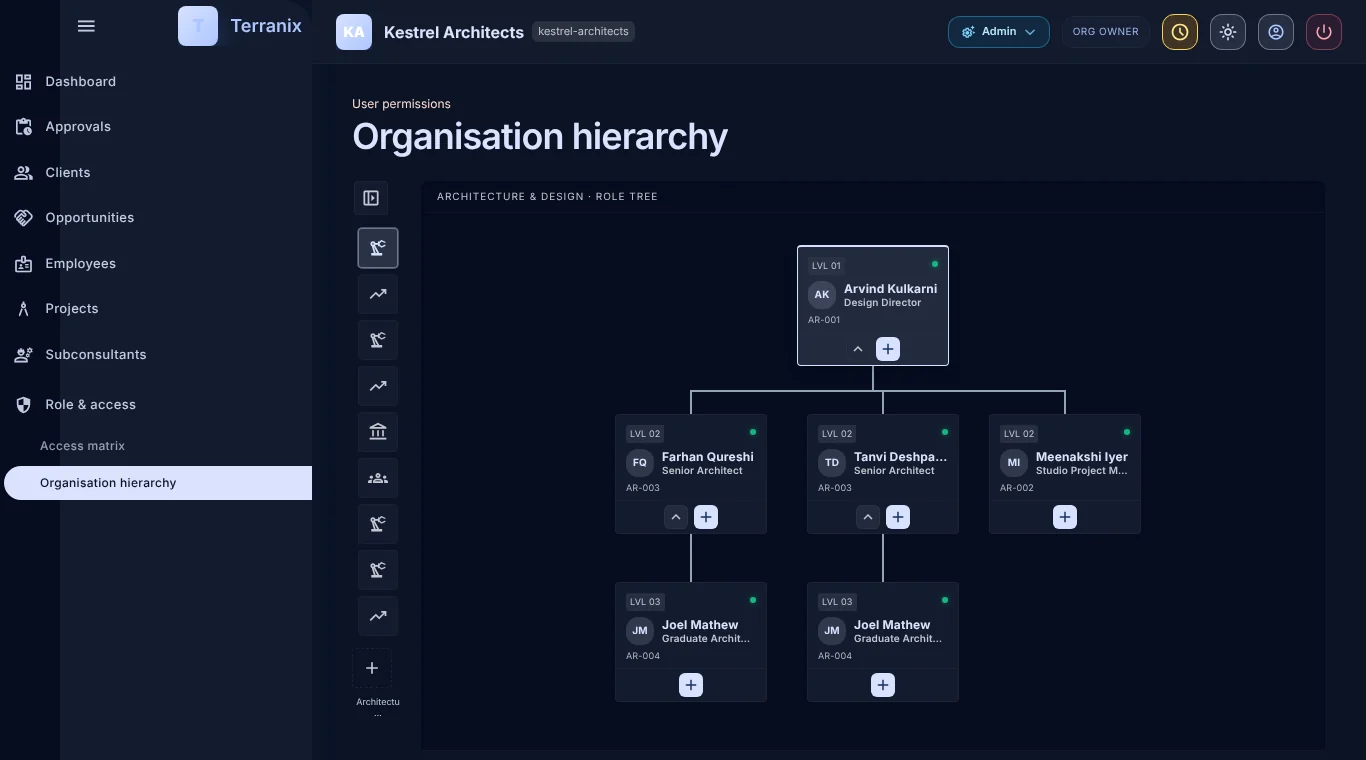
- Departments, designations and project roles.
Bring people in
- Add people one by one or upload many from Excel.
- Uploads are checked before anything is saved.
- New people finish their own profile.
Frequently asked questions
Is each firm’s data kept separate?
Yes. Each firm’s data is isolated from every other firm’s, enforced in the database.
Can one person belong to several firms?
Yes. A workspace switcher lets them move between firms.
Who can change roles?
The organisation owner, through the access matrix.