
Get the work done and keep it moving
Assign tasks, work through checklists and see on one screen what is waiting for you.
- Tasks assigned to named people
- Checklists that gate completion
- One dashboard for what needs you
Assign and track tasks
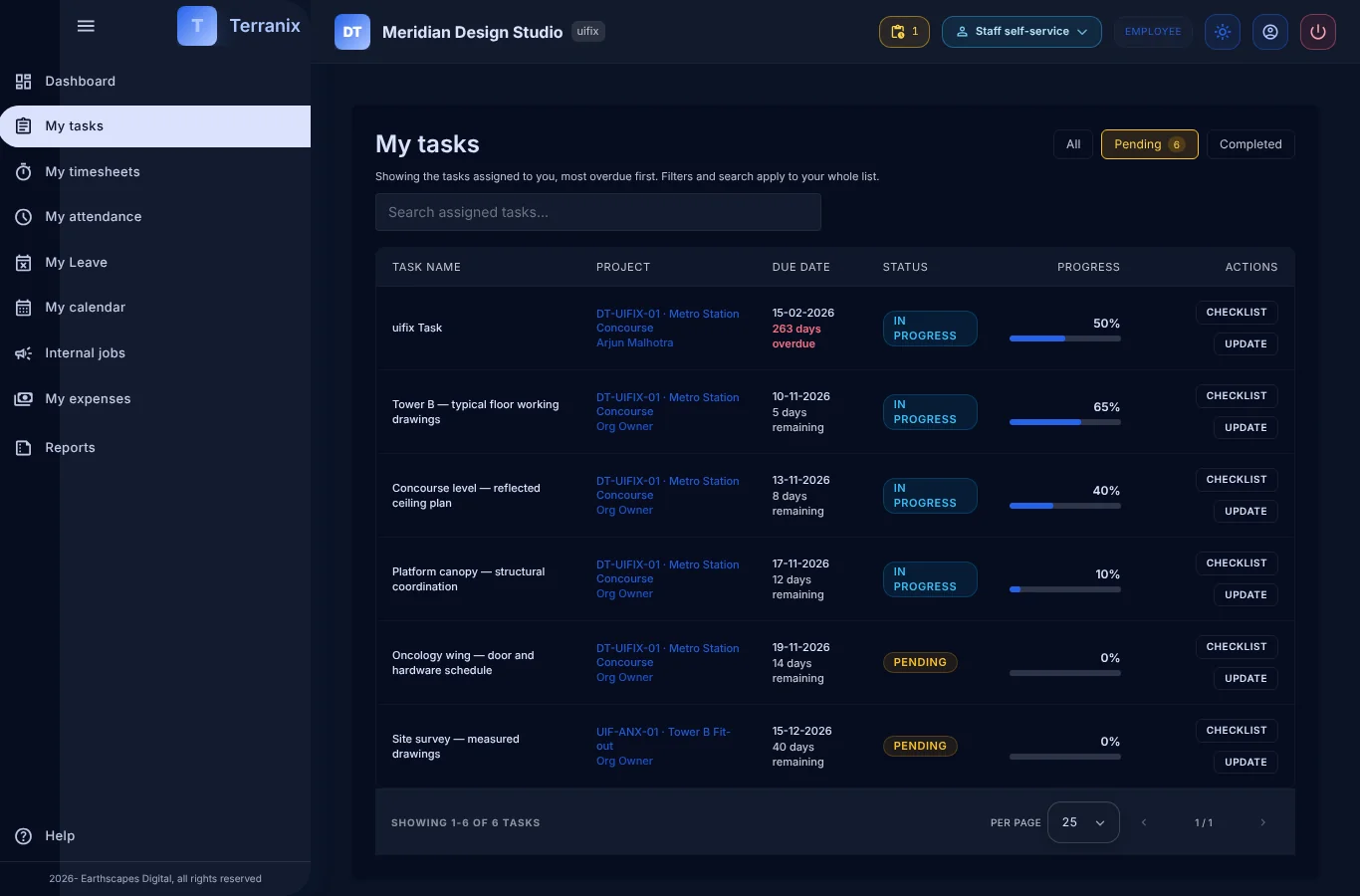
- Create a task, assign it and set its dates.
- People see their own tasks first.
- Update status as work moves.
Checklists that are not optional
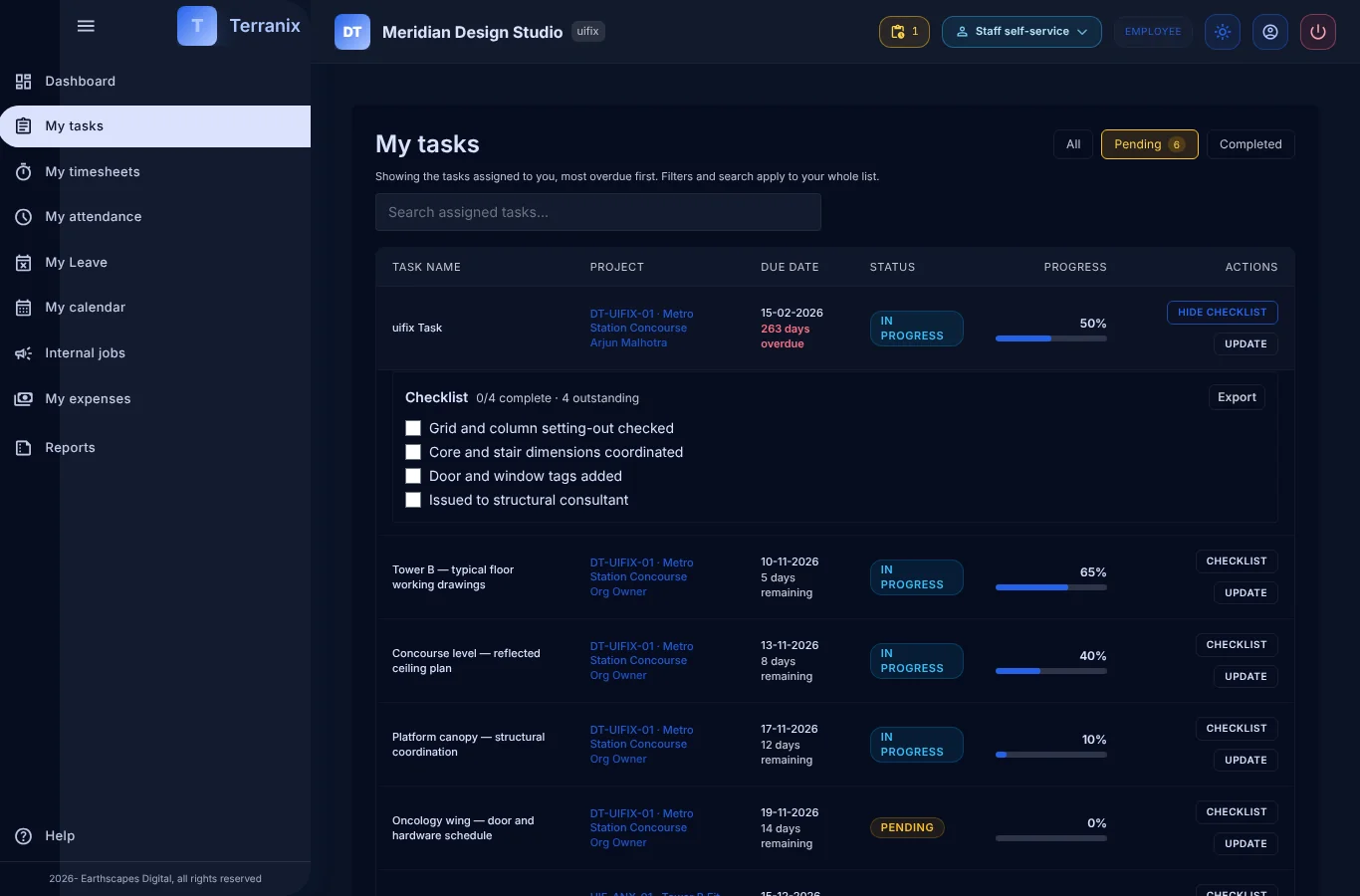
- Start from a standard checklist or build one for the task.
- A task cannot be completed with open checklist items.
- Deliverable checklists guard project closure.
Start the day with one screen
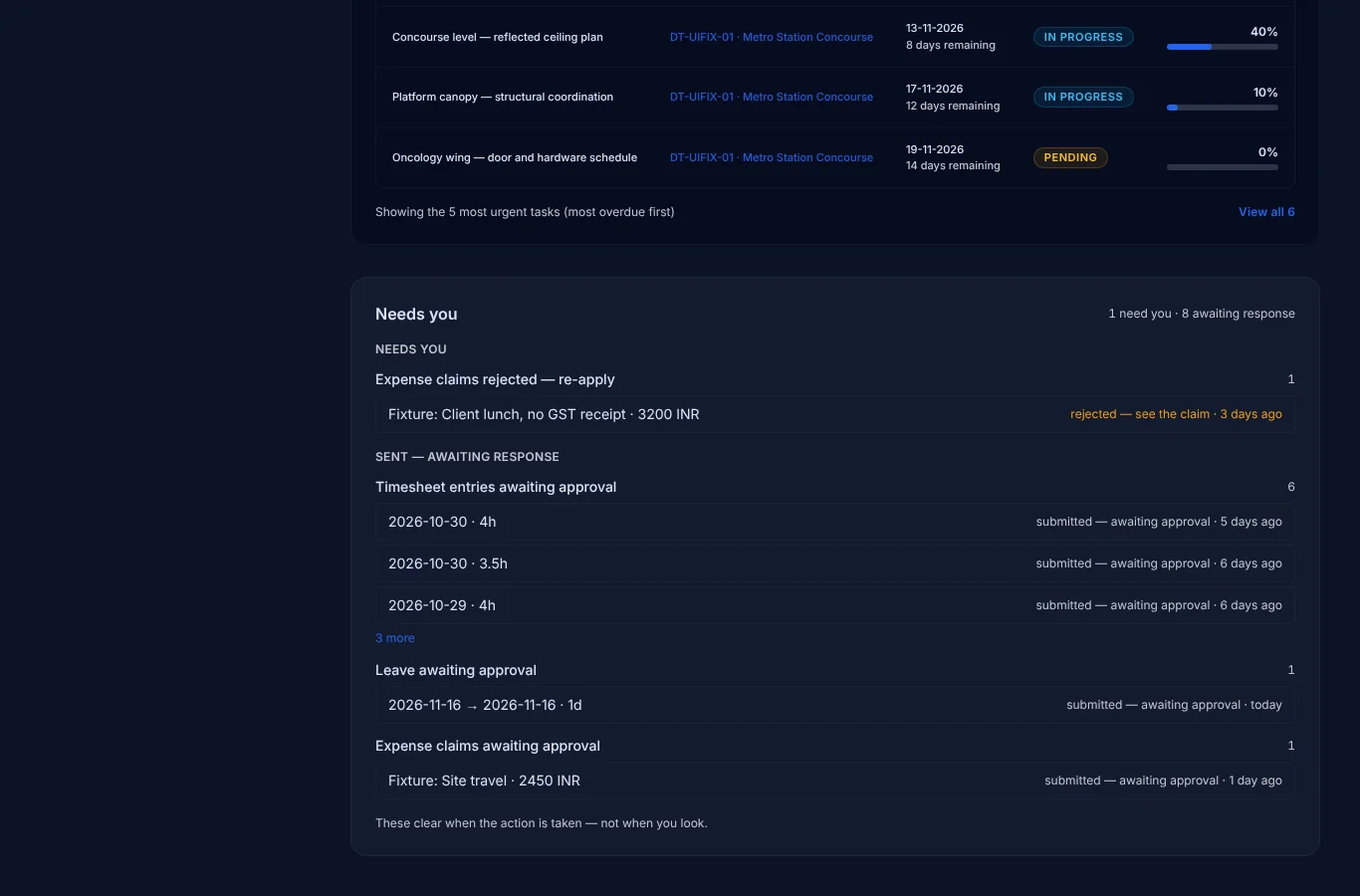
- A “needs you” list shows approvals and tasks waiting.
- Quick actions for check-in and time entry.
- The same dashboard works on a phone.
Part of one connected platform
Frequently asked questions
Can several people work on one task?
Yes. A task can have co-assignees, and they all get the same task features.
Can I reuse checklists?
Yes. Standard checklist templates can be applied to tasks.
Where do I see what is waiting for me?
On your dashboard, in the list of items that need you.