
See who is working on what
Put people on projects with a role and dates, and see each person’s workload before you assign the next task.
- Roles and dates on every team member
- A workload view across projects
- Each person on their own contract rules
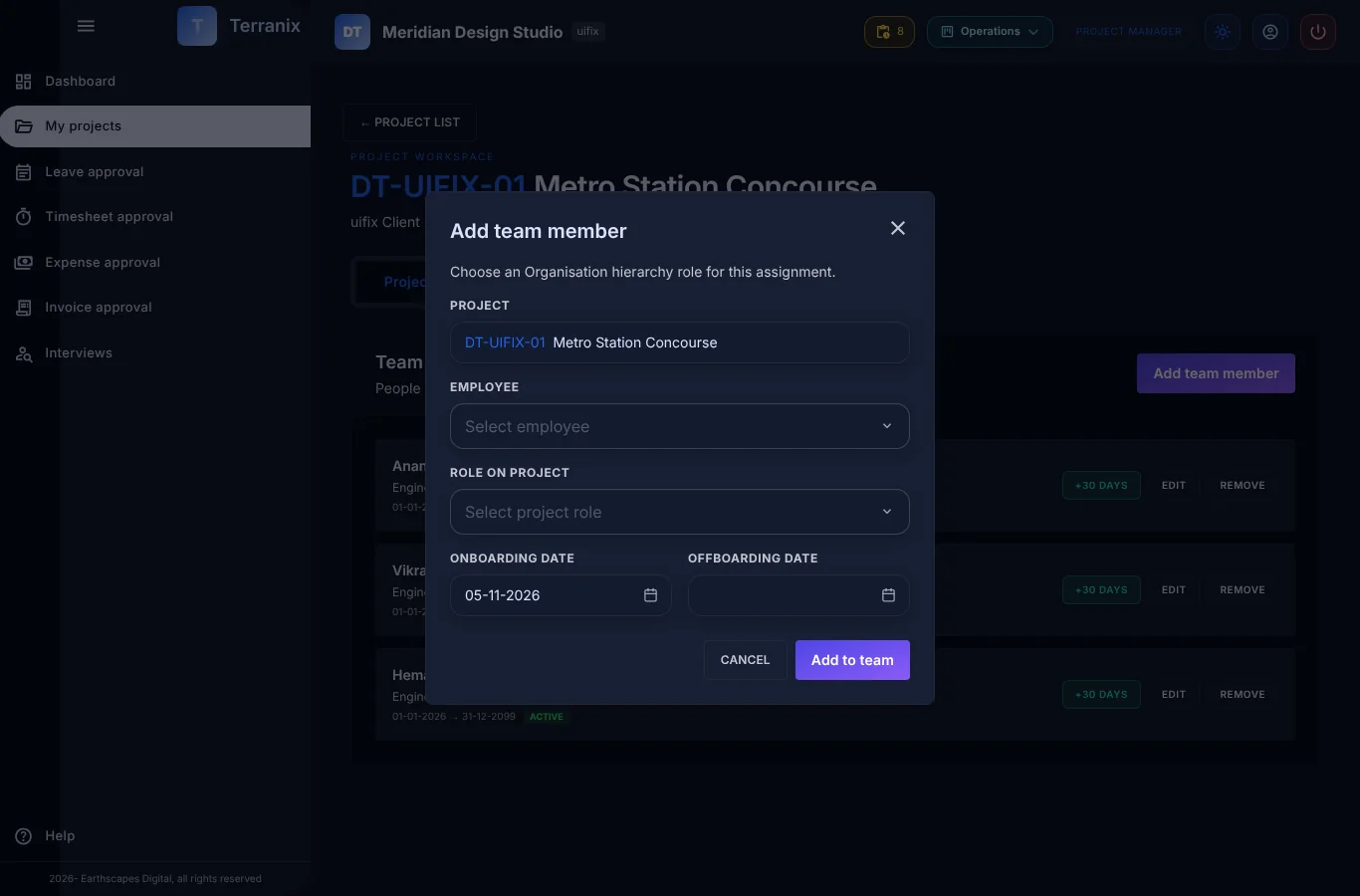
Build the team
- Add people to a project with a role and a period.
- Remove or change a member without losing their history.
- Assign tasks only to people on the team.
Know who has capacity
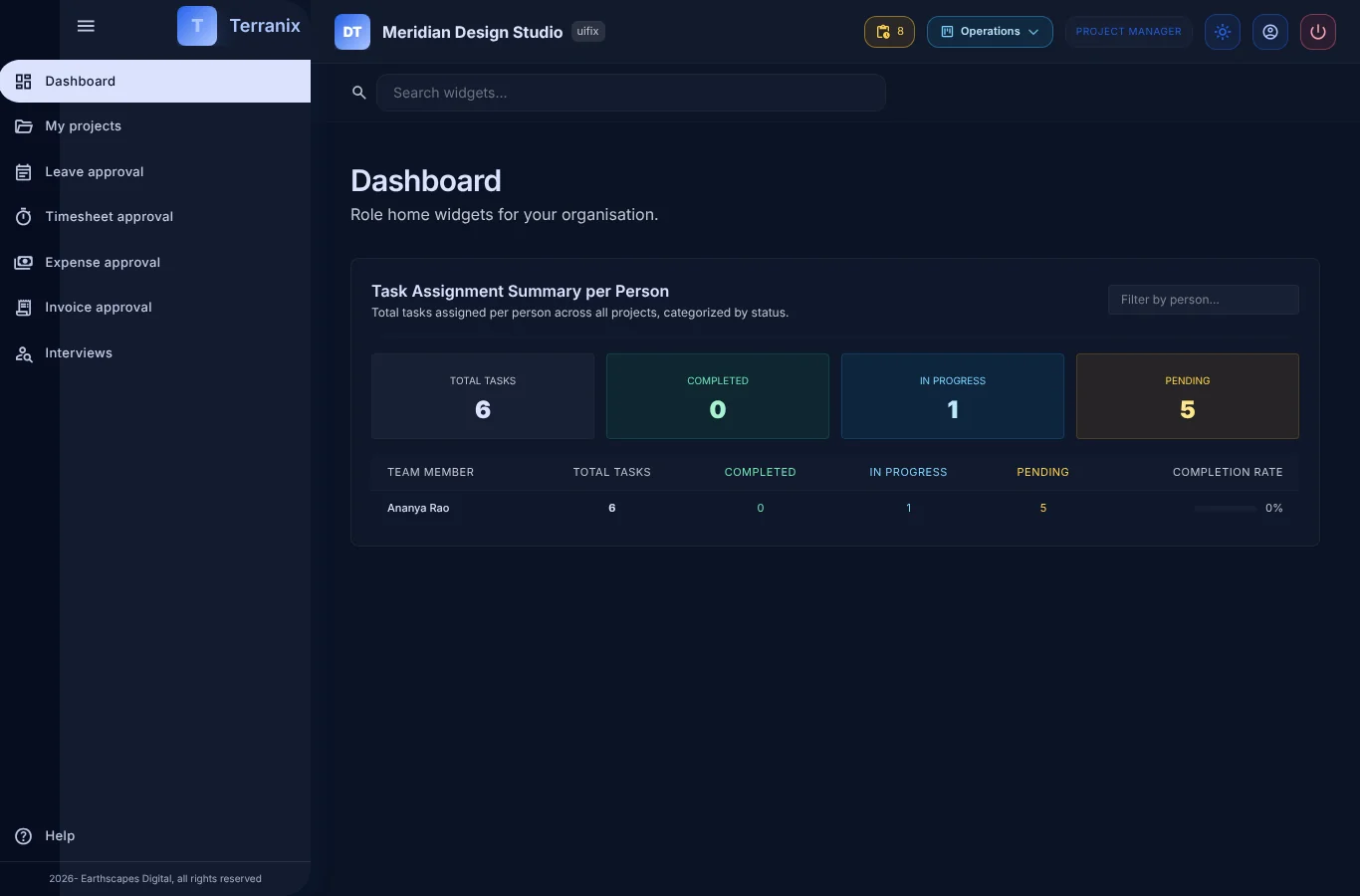
- See how much work sits with each person.
- Spot an overloaded person before a deadline slips.
- Filter by project or by person.
People are not all the same
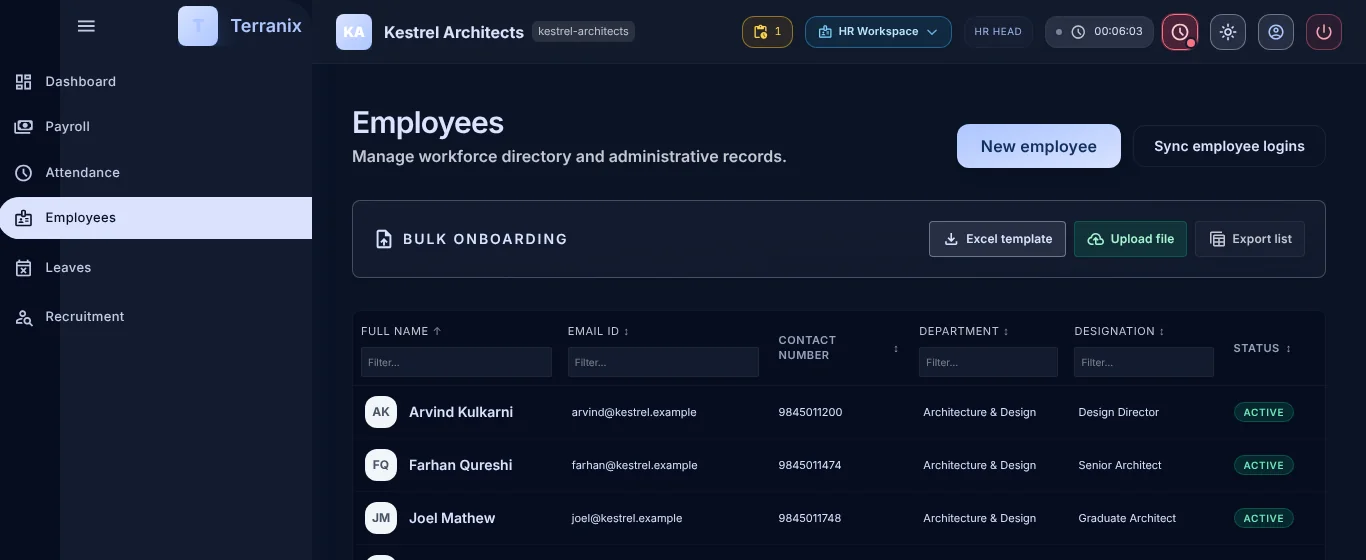
- Full-time, part-time and flexible contracts are supported.
- Leave rules follow the person’s contract.
- Offices and time zones are set per person.
Frequently asked questions
Can I see everyone’s workload in one place?
Yes. The dashboard shows how many tasks each person has across projects, by status.
Does it plan future capacity?
Not yet. Terranix shows current workload; forward capacity planning is on our roadmap.
Can part-time staff be set up?
Yes. Contracts and full-time-equivalent hours are set per person.